Shares
Split checks
Split a bill any number of ways and settle each share on its own. The receipt prints one sale with the shares under it, not three receipts that each look like a separate order.
POS
An ordinary Android tablet. Big targets, one screen for the order and one for taking the money, and a connection state that is always on screen.
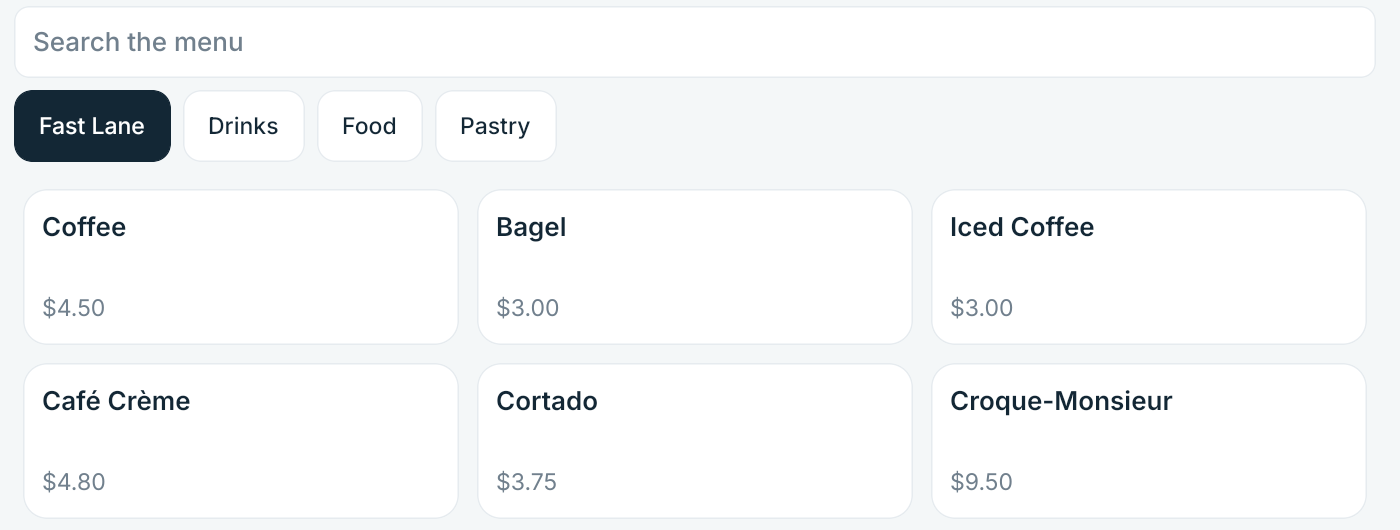
Taking an order
The same money code runs on the tablet, the server and the web, so a total is never surface-specific.
Taking the money
Part cash, part card, part backup terminal — in any order, on a share or on the whole bill.
Shares
Split a bill any number of ways and settle each share on its own. The receipt prints one sale with the shares under it, not three receipts that each look like a separate order.
Tenders
A partial card approval keeps the approved amount and carries on from the remainder. It is never treated as a decline.
Cash
Quick amounts, exact change worked out for you, and a drawer count at close-out that names the variance instead of hiding it.
Degraded
The Card button stays on screen, greyed, with the reason on it. A missing button leaves a cashier guessing; a labelled dead one does not.
Offline
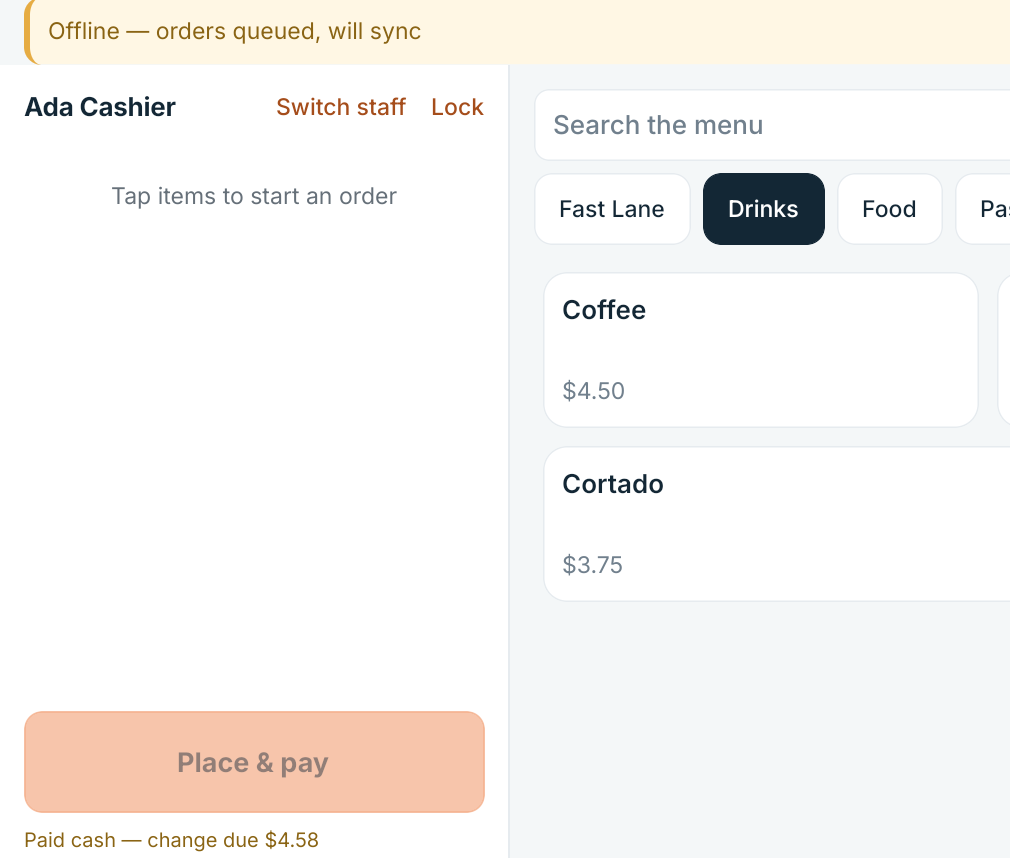
The tablet holds its own event log and the full pricing engine. This is the sequence when the line drops mid-service.
With a PIN, offline. The authorised roster is cached and refreshed while the register runs, so switching somebody off reaches the counter.
Recorded on the device and tendered in cash. Nothing waits for a server to answer.
Every write carries a key the tablet generated before it tried, which is what makes a retry safe.
A retry after a dropped connection cannot double-charge a guest or duplicate an order.
The open order, the payment in progress and the signed-in staff member are all recovered from the log — not from memory, which is why a force-stop costs nothing.
The screen names its own state throughout: online, syncing, offline, degraded. It never quietly stops working.
Accountability
Every action that matters carries the staff member who took it: the order, the void, the discount, the refund, the drawer pull, the cash count.
Not for surveillance. When a till is $40 short, “who was on the register” has to be answerable — and a void nobody can attribute is how theft goes unnoticed.
Voids, discounts, refunds, no-sale drawer pulls and close-out sit with a manager. The tablet and the server ask the same permission table, so hiding a button is never the only thing stopping somebody.