
Expo: hand off orders and recall tickets
Run the pass: see every station, hand off finished orders and bring one back.
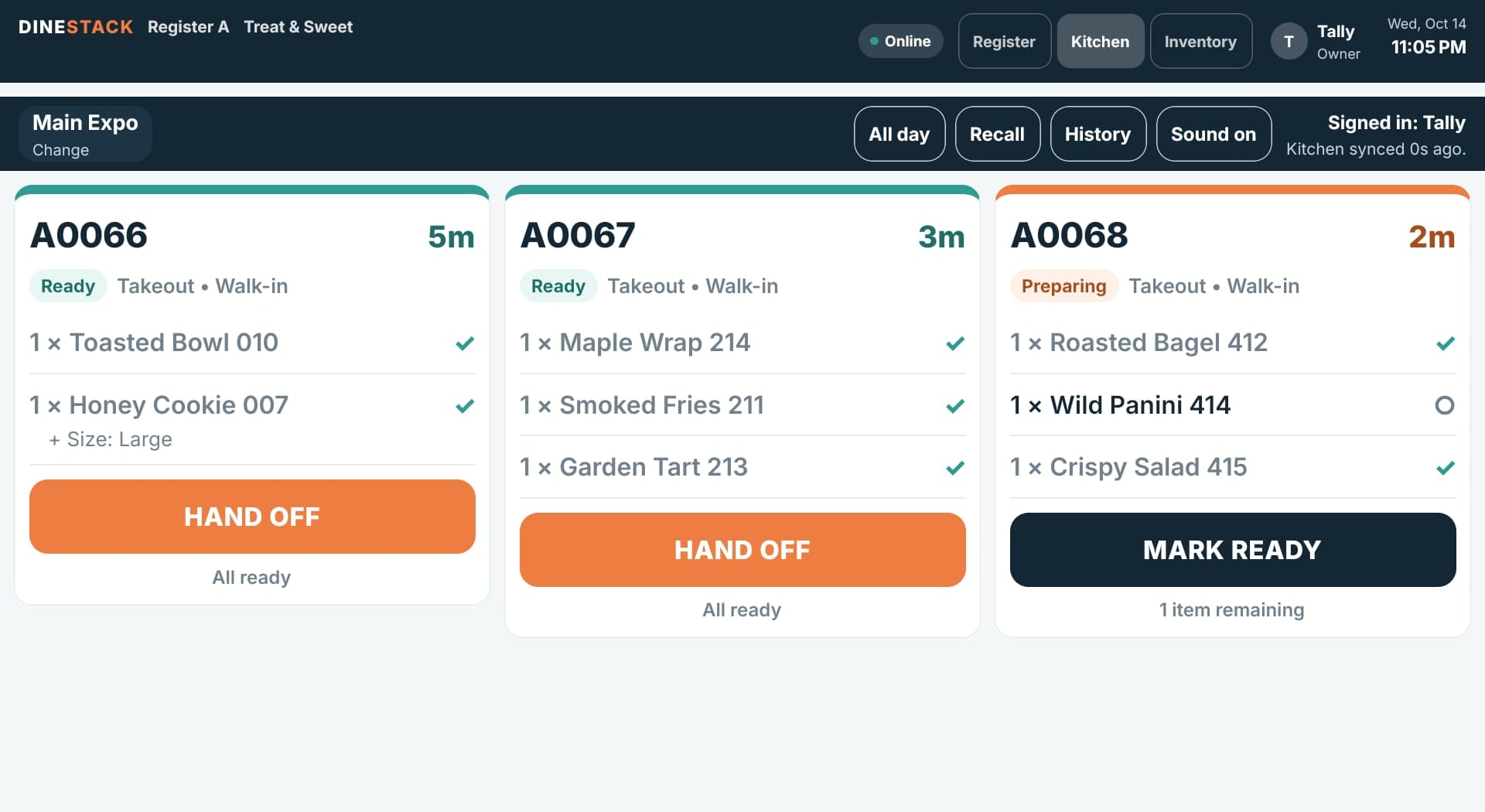
The Expo sees whole orders: every item with the station making it, and a chip per station such as “✓ Grill 2/2” or “○ Fry 0/1”.
Hand off an order
- When every item shows a check, the button becomes HAND OFF.
- Tap it as the order goes to the guest or the driver. The ticket leaves the board and the order is complete.
- With no connection the ticket shows “Handing off… (offline)” and finishes on its own once the tablet reconnects.
An order that has not been paid yet cannot be handed off — take payment at the register first.
Recall a ticket
Handed off the wrong order? Tap Recall to see the last ten hand-offs and tap one to put it back on the board. The order stays handed off; when it is put right, tap HAND OFF AGAIN.